Why Start from Scratch?
When you can access sales and marketing campaigns that are done for you! Just add your details and distribute!
Reasons to Use Templates
Campaigns sell products and services. With well designed sales, marketing and social media templates there's no reason to spend your day trying to come up with effective solutions. Here are some of the reasons to invest in templates that help you get the job done.
- Saves Time and Increases Productivity: Templates eliminate the need to start from scratch, allowing you to quickly create and launch campaigns. This is ideal for entrepreneurs who need to juggle multiple tasks and get more done in less time.
- Ensures Consistency Across Platforms: Using templates helps maintain a consistent brand image across sales, marketing, and social media channels. This boosts brand recognition and professionalism without requiring extensive effort.
- Customizable for Creative Freedom: Templates provide a framework that can be easily personalized. Creative entrepreneurs can still express their unique style and voice while working efficiently within a structured design.
- Boosts Efficiency in Marketing Strategy: By using pre-designed templates, business owners can focus on perfecting their message and targeting, rather than spending excessive time on design. This leads to more effective campaigns in less time.
- Reduces Stress and Decision Fatigue: Templates simplify decision-making by providing design elements that are already optimized. Entrepreneurs can avoid the overwhelm of too many choices and focus on creativity and strategy.
- Affordable and Accessible: Templates are cost-effective compared to hiring designers for each campaign. For creative business owners who prefer a DIY approach, templates offer a professional touch without breaking the budget.
- Streamlines Collaboration: Templates make it easy to work with a team or freelancers. Everyone can follow the same design guidelines, speeding up the process of building campaigns and keeping projects on track.
How to Access and Use Our Templates
Types of Campaigns You Can Run with These Templates
Campaigns sell products and services, and it you can spend hours trying to create content that connects with your target audience. Starting from scratch can be frustrating and time consuming wasting your valuable time and energy.
Our done for you templates take the guesswork out of creating content that is unique to your business.
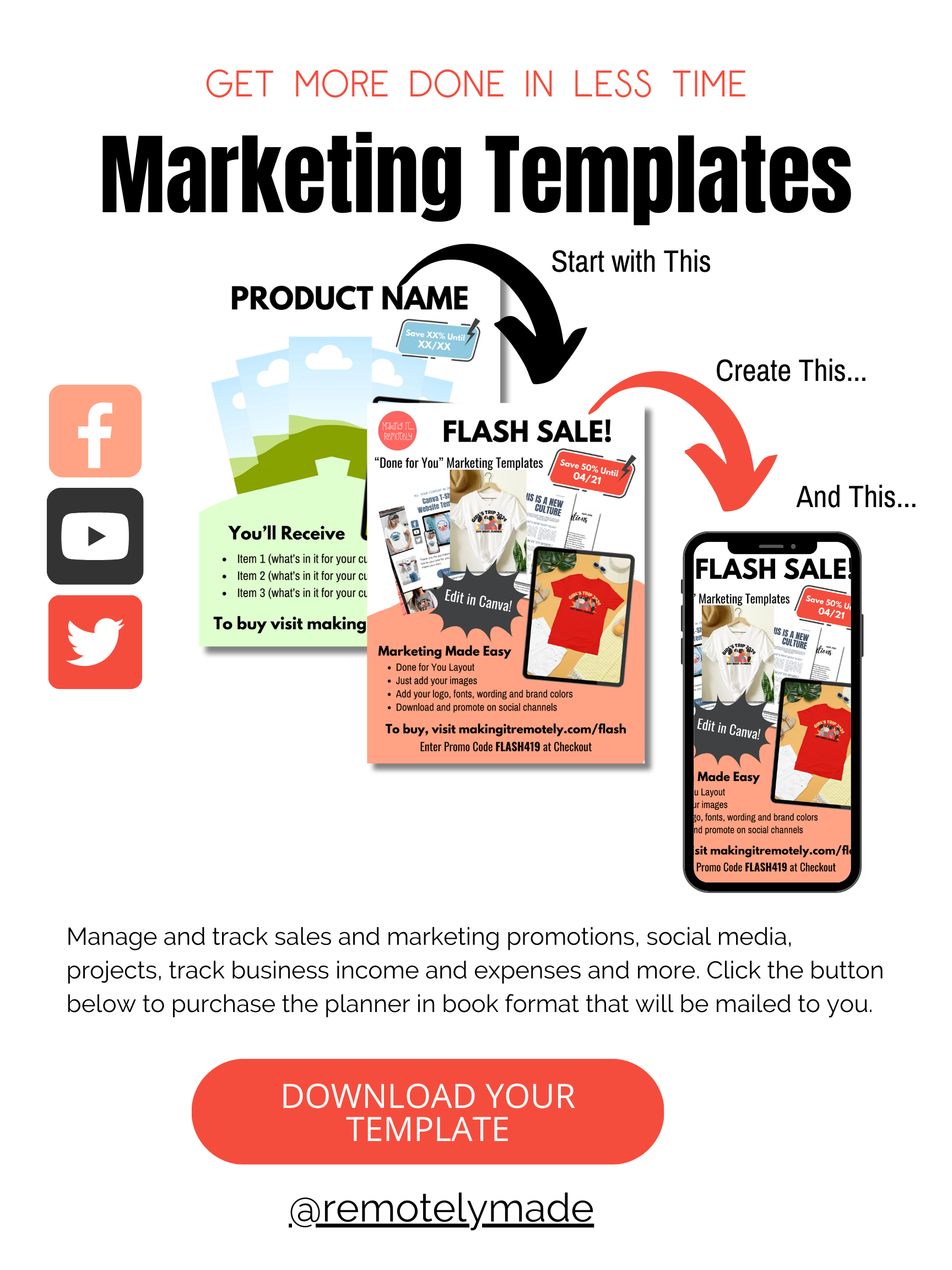
Watch the video above and follow the instructions below to access your templates, whether you purchase them on Etsy or in our shop. You'll receive a document that looks similar to the one below:
Run Your Next Campaign with Marketing Templates
How to Access Invitations and Other Printable Documents
1.
Purchase
Purchase templates from Etsy or the Creator's Corner.
2.
Edit
You'll receive a PDF that has a link you can use to edit your document.
3.
Distribute
Distribute on social media, your website and other places online to connect with your target audience.
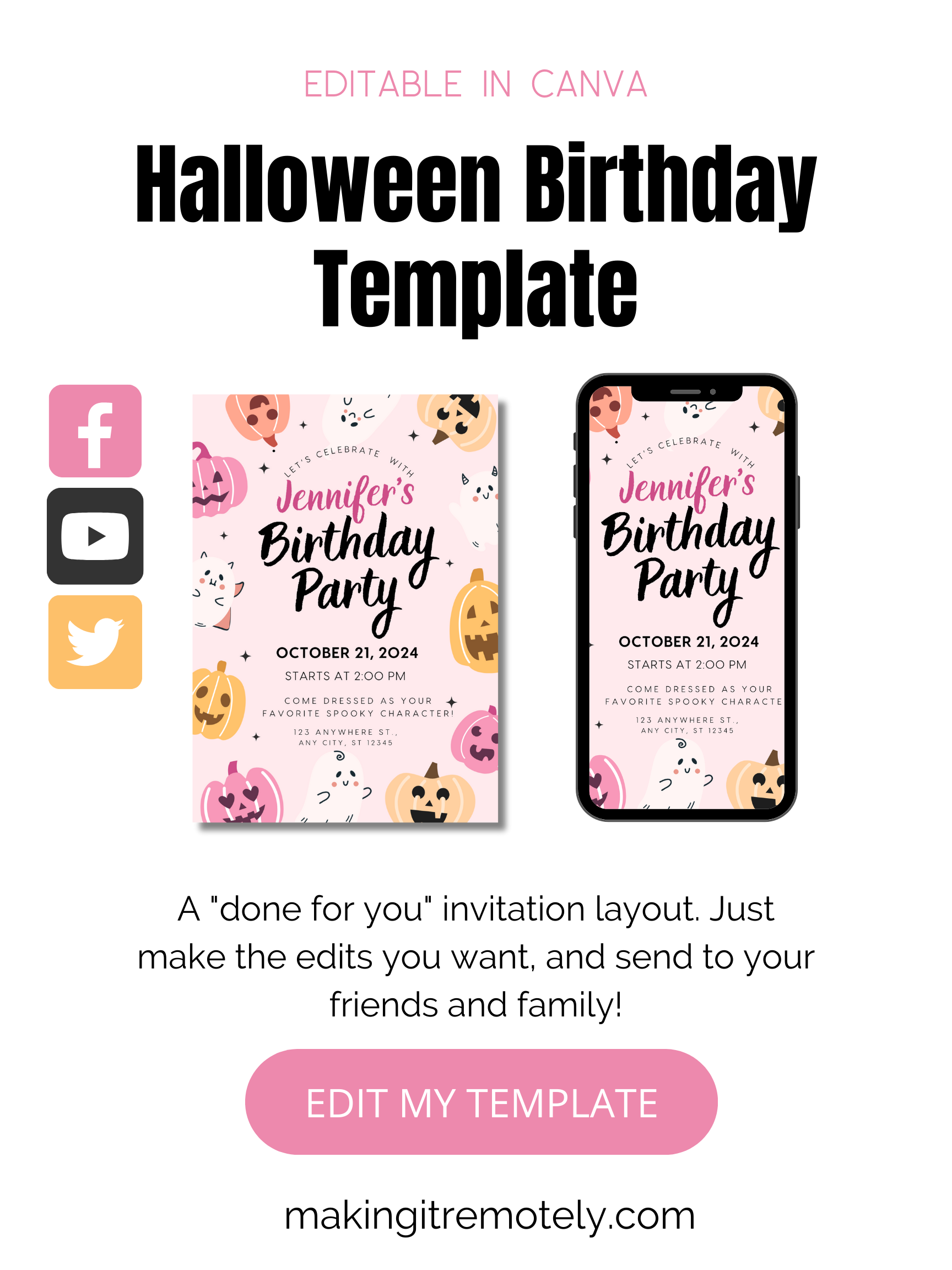
Once you've made your edits, you're ready to print, mail or distribute your documents via email or text.
For Printing and Mailing
To Send Invitations Digitally
Tips for Sending Invitations
Send Invitations Early for RSVPs and Preparation: Aim to send invitations at least 3-4 weeks in advance to give guests ample time to RSVP and plan. This is especially important for milestone celebrations where out-of-town guests may need to make travel arrangements. Early invitations also give you time to follow up on RSVPs and adjust your plans based on the final guest count.
Personalize the Invitations to Match the Event’s Theme: Whether it’s a birthday, anniversary, or another milestone, make sure your invitations reflect the celebration’s theme and tone. Personalization, such as including the celebrant's favorite colors, a memorable photo, or a unique design, adds a special touch that excites guests and sets the mood for the event. You can easily use tools like Canva or pre-designed templates to craft customized invitations that feel unique and memorable.
FAQ
Templates are pre-designed, customizable layouts that provide a structure for creating documents, designs, or campaigns. They serve as a starting point, allowing you to quickly add your own content, such as text, images, or branding elements, without starting from scratch. Templates save time and ensure consistency, making them ideal for tasks like creating social media posts, marketing materials, or event invitations.
Templates provide a ready-made structure for marketing campaigns, social media posts, and sales materials. Instead of spending time designing from scratch, you can quickly customize templates with your brand’s colors, logo, and messaging. This speeds up the creation process, ensuring consistency across platforms and allowing you to focus on strategy and engagement, ultimately helping you market your products more effectively and save time.
Absolutely! Templates are designed to be flexible and customizable. You can easily adjust colors, fonts, images, and text to align with your brand’s style. Whether you're using templates for emails, social media, or marketing materials, you can make them your own by adding personal touches that reflect your unique brand identity, without the hassle of designing from scratch.
Yes! Templates are especially beneficial for creative business owners who want a blend of structure and freedom. They provide a professional foundation while still allowing room for creativity. You can modify designs to match your vision, add custom elements, and experiment with layouts, all while saving time on repetitive tasks. Templates help you stay creative while maintaining efficiency.